pdfcpu
PDF tooling for Go and the command line.
View the Project on GitHub pdfcpu/pdfcpu
Changelog
Future Directions
Contributing
Security Policy
N-up
Rearrange all pages of
inFilefile in order to reduce the number of pages and write the result tooutFile. Each new page is composed of multiple original pages in a grid like fashion. The original page size is preserved.Create
outFilefor a given paper size and arrangeimageFileson pages in a grid like fashion. For a single image file create a single page PDF file and fill the grid with copies of the image.The N-up value
ncontrols the grid layout.Proper rotation based on involved aspect ratios will be applied during the process.
Have a look at some examples .
Usage
pdfcpu nup [ description ] outFile n inFile | imageFiles... [flags]
Flags
| name | description | required |
|---|---|---|
| p(ages) | selected pages | no |
Common Flags
Arguments
| name | description | required | default |
|---|---|---|---|
| description | configuration string | no | |
| outFile | PDF output file, use - to write to stdout | yes | |
| n | the N-up value | yes | |
| inFile | PDF input file, use - to read from stdin | inFile or imageFile(s) | |
| imageFile… | one or more images | inFile or imageFile(s) |
N-up Value
The following table lists all supported values for n and the resulting grid layout with respect to the orientation of the chosen output paper size
. See here
for a thorough explanation of N-up.
| value | portrait | landscape |
|---|---|---|
| 2 | 1x2 | 2x1 |
| 3 | 1x3 | 3x1 |
| 4 | 2x2 | 2x2 |
| 8 | 2x4 | 4x2 |
| 9 | 3x3 | 3x3 |
| 12 | 3x4 | 4x3 |
| 16 | 4x4 | 4x4 |
Description
A configuration string to specify the details of the n-up layout.
| parameter | values | default |
|---|---|---|
| dimensions | (width, height) in user units eg. ‘400 200’ | 595 842 |
| formsize, paper size | paper size to be used. Append L or P to enforce landscape/portrait mode | A4 |
| orientation | one of rd, dr, ld, dl for PDF input files | rd |
| enforce | on/off true/false | on |
| border | on/off true/false | on |
| margin | float >= 0 | 0 |
| backgroundcolor, bgcol | color | none |
Orientation
This is usually associated with the writing direction used in the document to be processed. For PDF input files only
| value | description |
|---|---|
| rd | right down, default |
| dr | down right |
| ld | left down |
| dl | down left |
Enforce
true enforces best-fit orientation of individual content artifacts during rendering on destination page content.
false keeps original orientation of individual content artifacts during rendering on destination page content.
Default description
'formsize:A4, dimensions:595 842, orientation:rd, border:on, margin:3, enforce:on'
You only have to specify any parameter diverging from the default.
Only one of dimensions or formsize is allowed.
You may use parameter prefixes as long as the parameter can be identified.
Examples
Create out.pdf by applying 4-up to in.pdf. Each page fits 4 original pages of in.pdf into a 2x2 grid:
$ pdfcpu nup out.pdf 4 in.pdf

The output file will use the page size of the input file unless explicitly declared by a description string like so:
$ pdfcpu nup 'form:A4' out.pdf 9 in.pdf
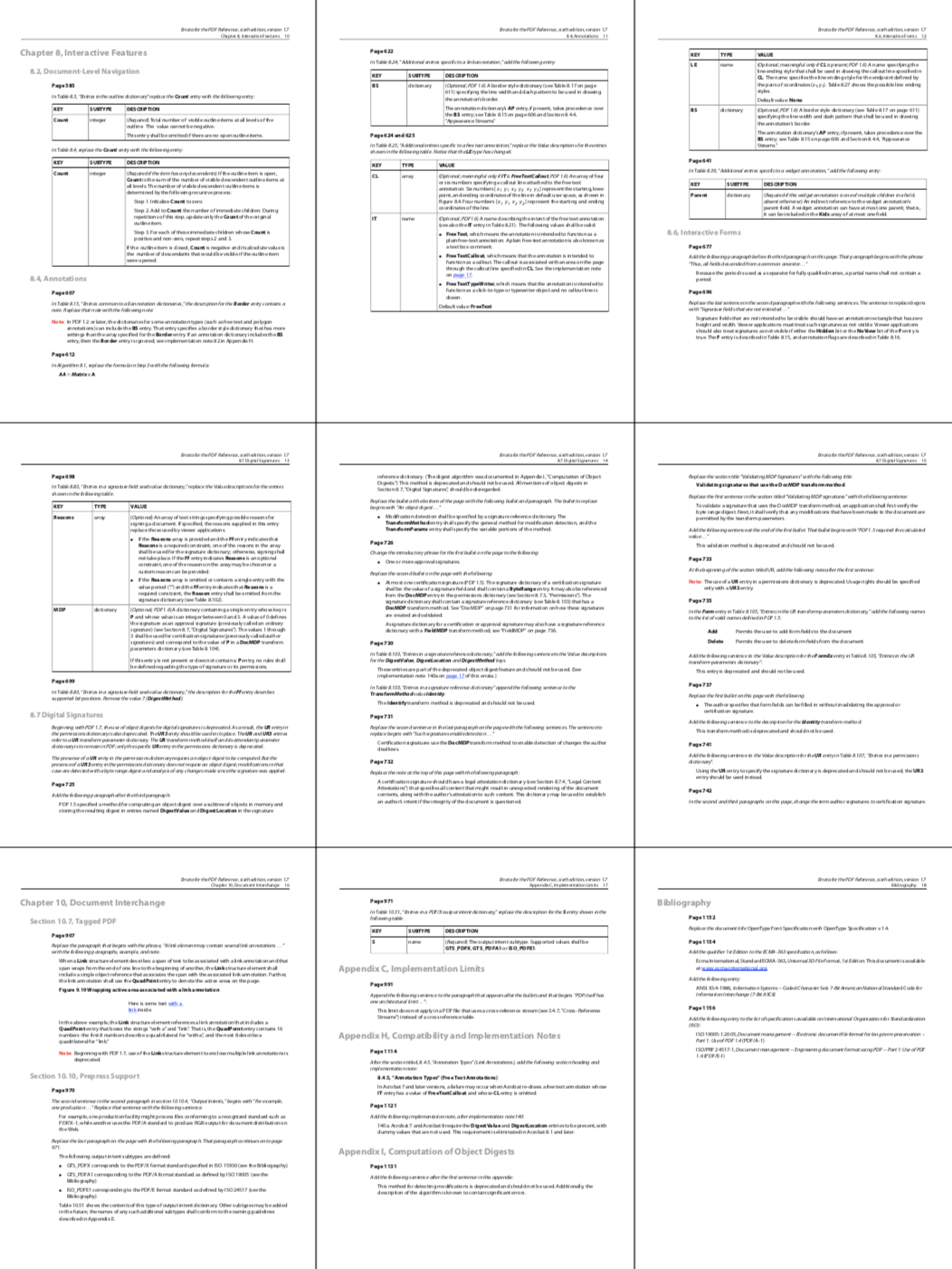
nup also accepts a list of image files with the result of rendering all images
in N-up fashion into a PDF file using the specified paper size (default=A4).
Generate out.pdf using A4L landscape mode where each page fits 4 images onto a 2x2 grid.
The grid element border lines are rendered by default, and the default margin of 3 points is applied:
$ pdfcpu nup 'form:A4L' out.pdf 4 *.jpg *.png *.tif

A single image input file supplied will produce a single page PDF output file.
In the following example logo.jpg will be 16-up’ed onto out.pdf.
Both grid borders and margins are suppressed and the output format is Ledger:
$ pdfcpu nup 'form:Ledger, bo:off, ma:0' out.pdf 16 logo.jpg

Create an N-up PDF from a streamed PDF and upload the result:
$ aws s3 cp s3://acme-handouts/slides.pdf - \
   | pdfcpu nup 'form:A4L' - 4 - \
   | aws s3 cp - s3://acme-handouts/slides-4up.pdf